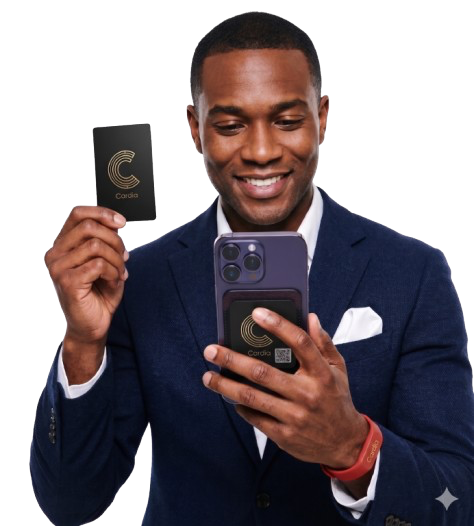
Share your profile with a tap, QR code, or link, and make every introduction unforgettable.


Designed for the moment
you meet someone new
How it works
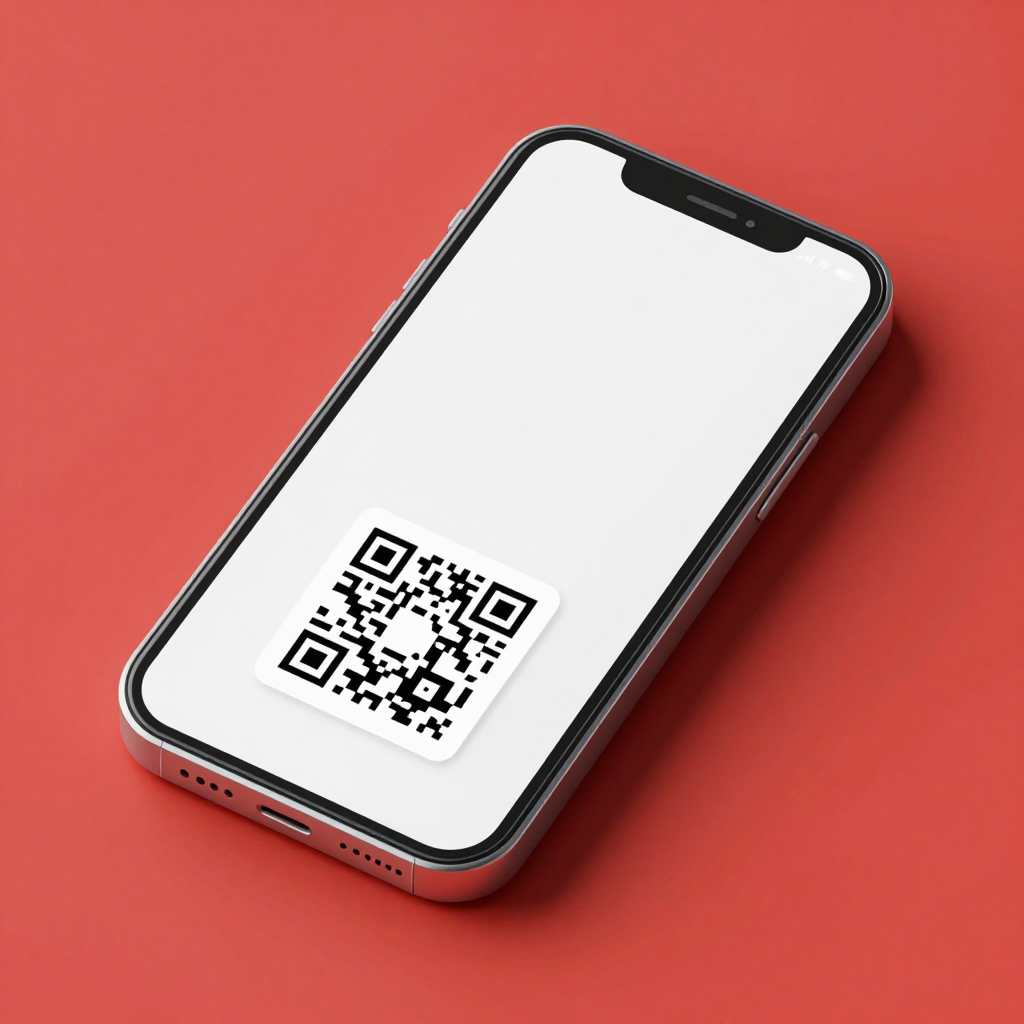
Digital Business Cards
Share who
you are
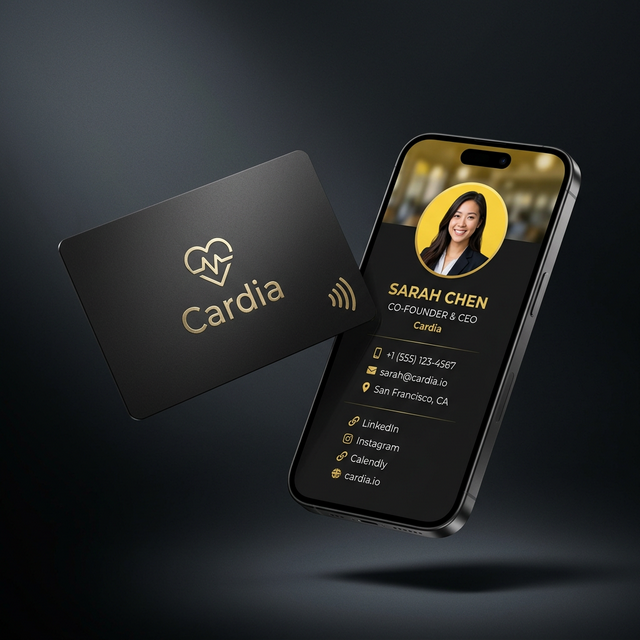
Create a digital profile that looks like you. Share it by tap, QR code, or link — recipients don't need the app.
See how digital cards work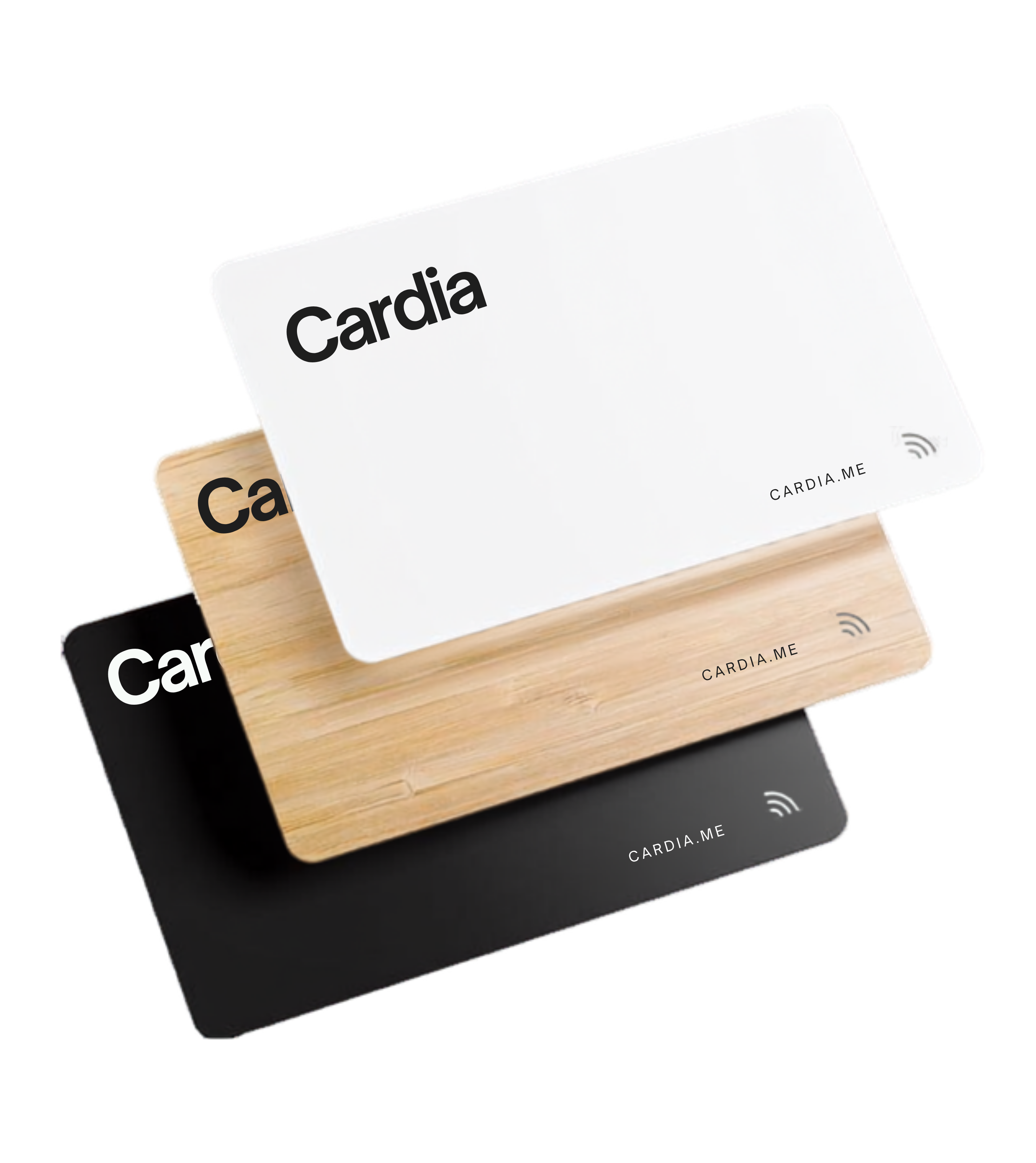
Card Materials
Choose your
card
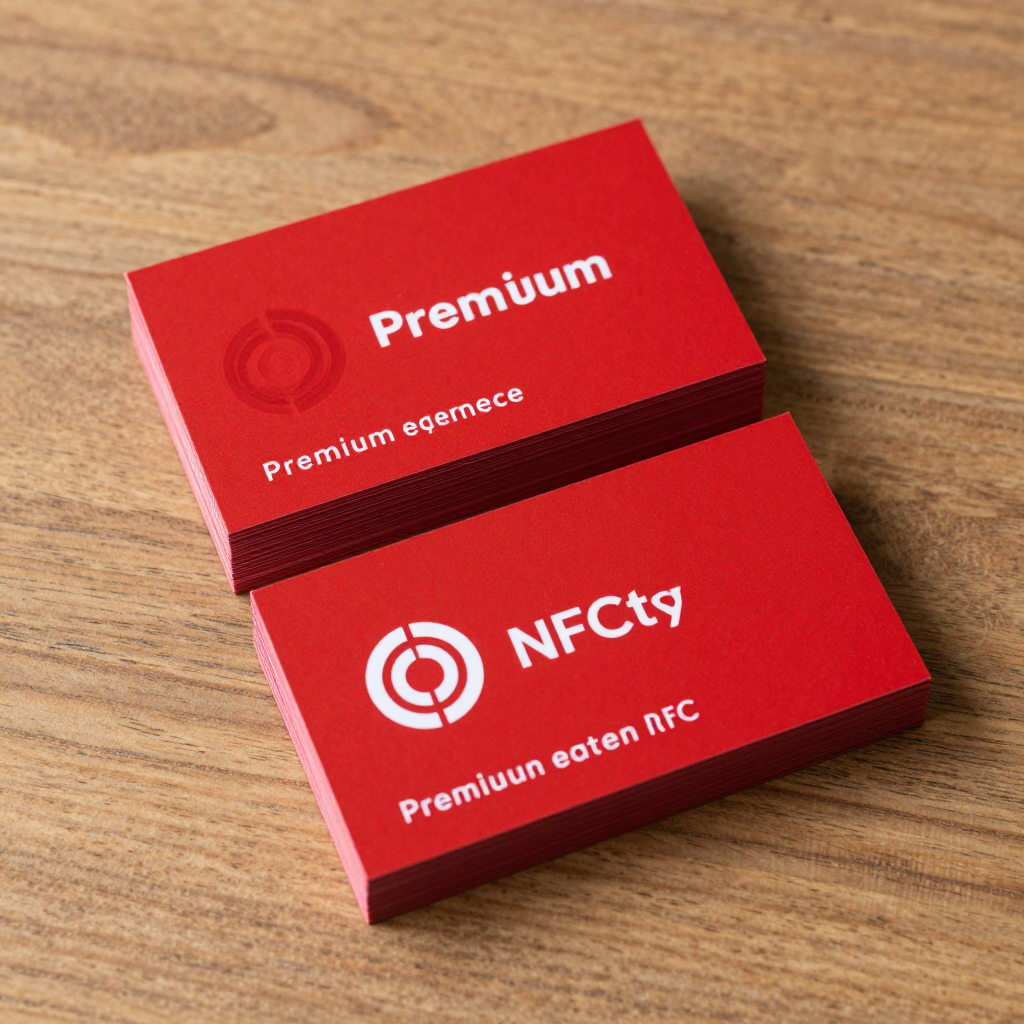
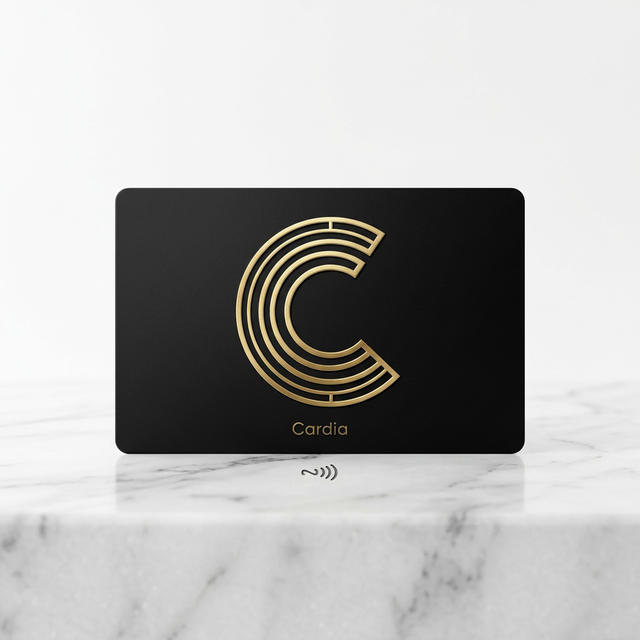
Classic, Metal, or fully Custom. Pick the finish that matches your style, then activate it in seconds.
Your Profile
Stay up
to date
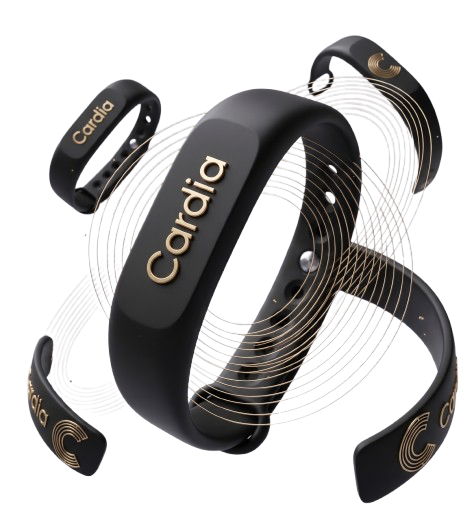
Update your bio, links, photo, and color theme anytime from your dashboard. Changes appear instantly everywhere your card is shared.
Setup
Get tapping
in minutes
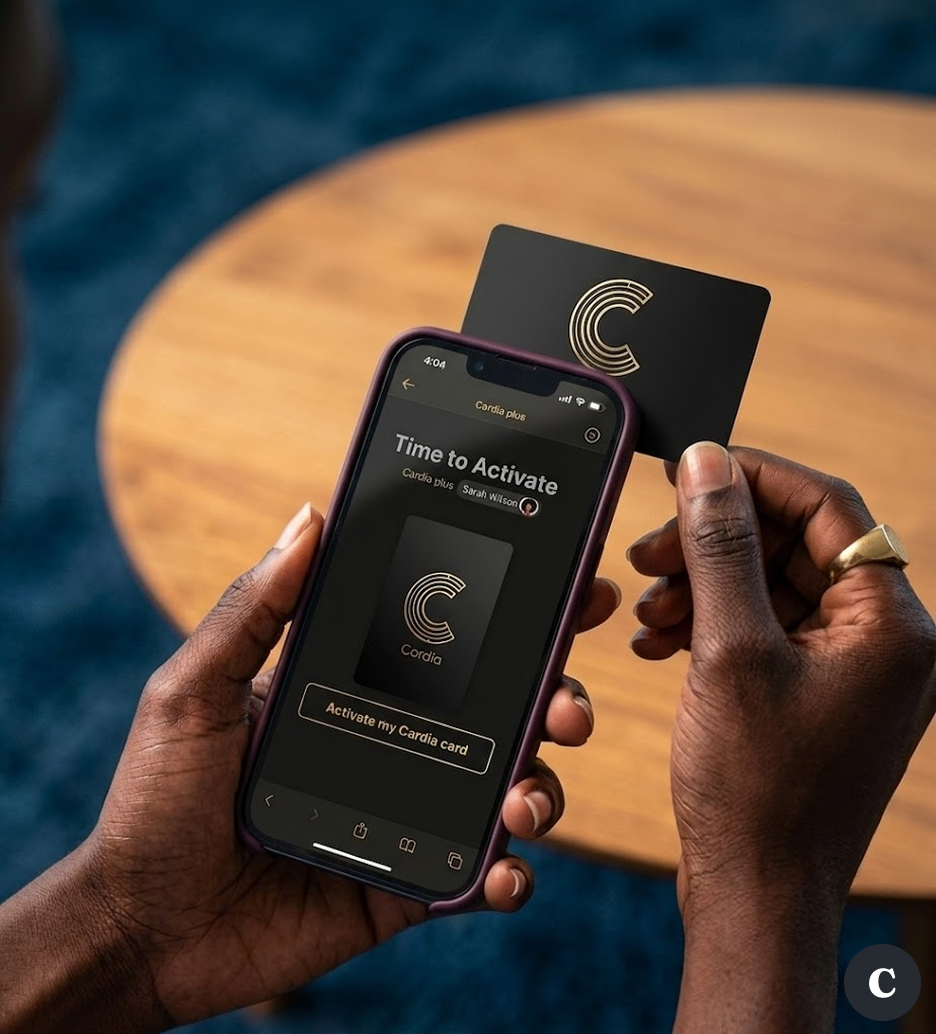
Activate your card, build your profile, and start sharing. No app to download, no setup headaches.
Phone Compatibility
Works on virtually every smartphone.
The other person doesn't need an app, a Cardia card, or special setup. Just tap and your profile opens instantly in their browser.
Instant Native Tap
iPhone XS, XR, 11, 12, 13, 14, 15, 16 & beyond
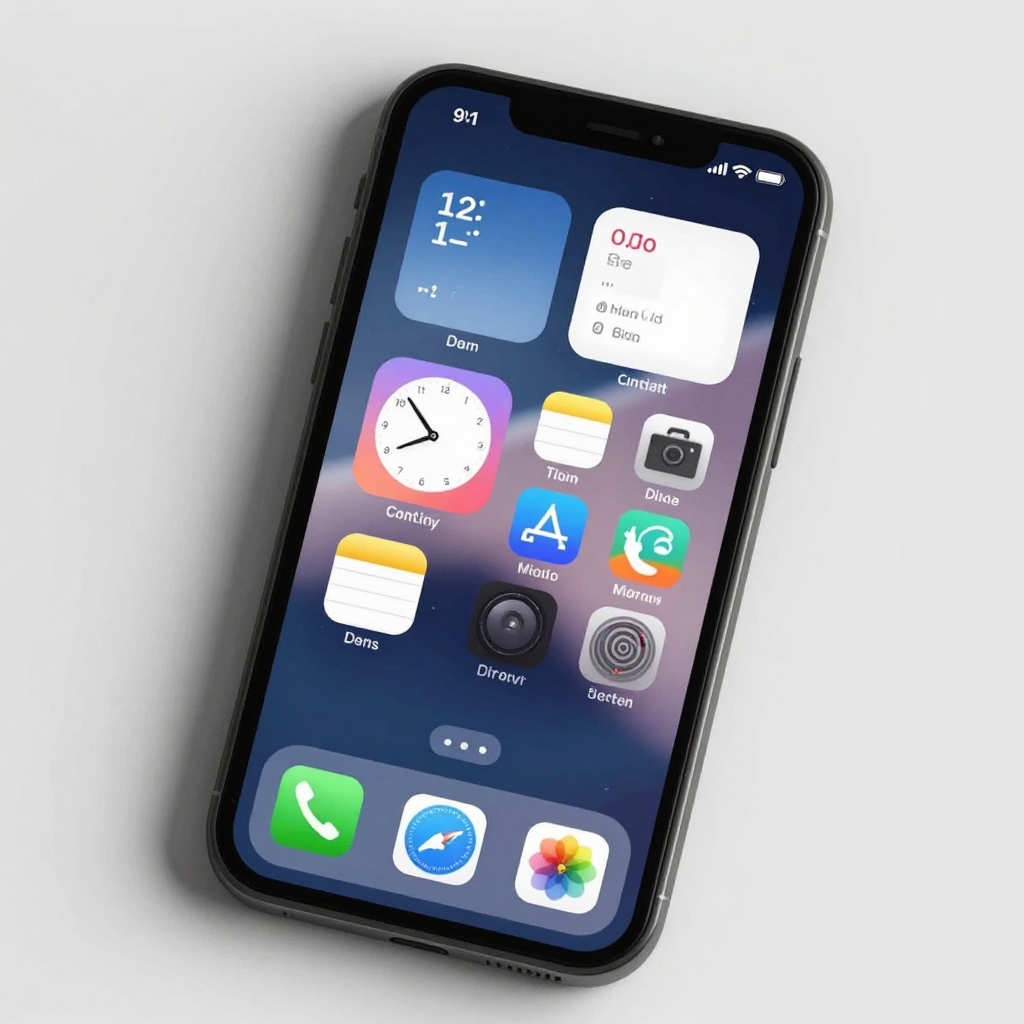
All modern iPhones have background NFC reading permanently enabled by Apple. Simply tap your Cardia card against the very top edge of the iPhone. A banner drops down immediately to open your profile.
Tap Location: Top Edge
Hold your Cardia card flat against the top edge near the camera. It reads in less than a second!
However you share it,
it's still one Cardia.
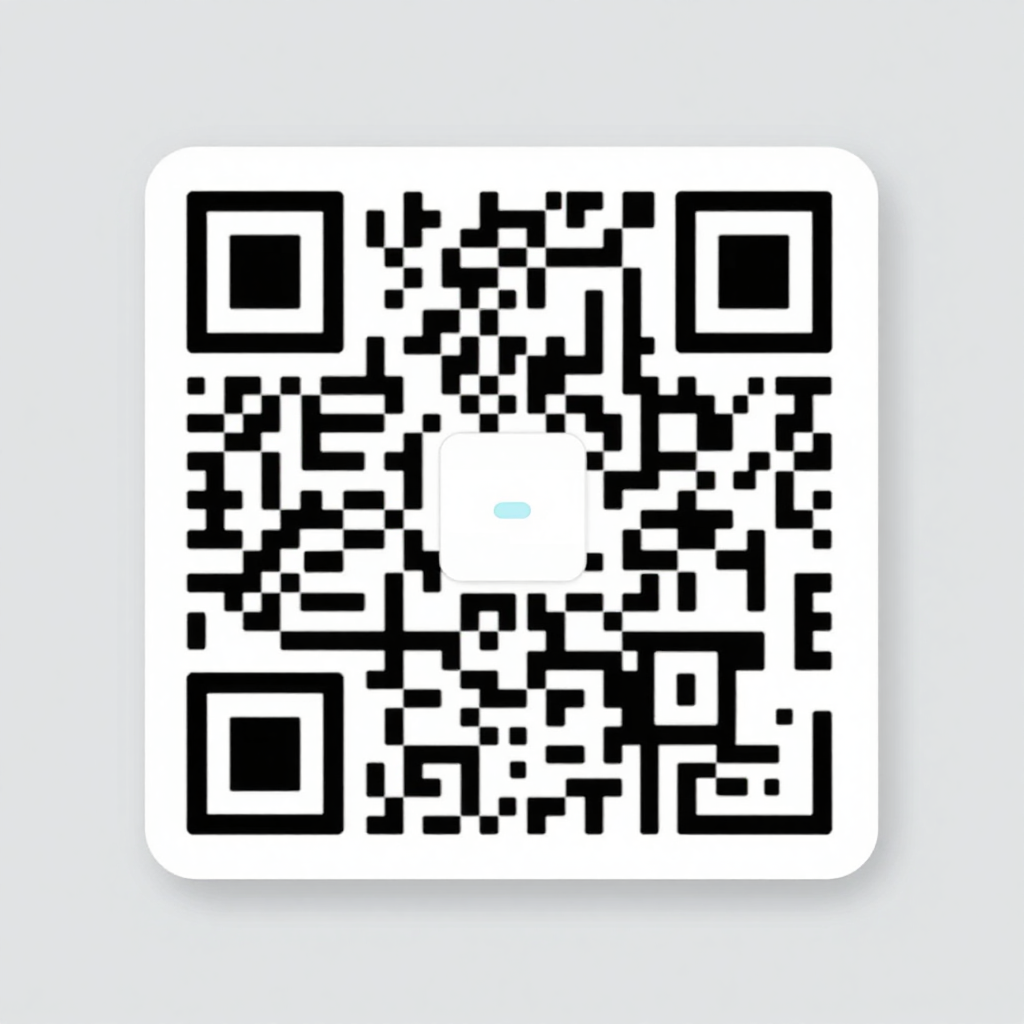
One Cardia profile, many ways to share it.
Swipe to see more
What's Next at Cardia
We're just getting started.
Cardia is building the full professional identity layer for Ghana — from how you introduce yourself, to how you get paid, to how you book your next meeting.
Tap & Pay
Accept payments by tapping your Cardia. Link your Mobile Money or bank directly to your card — no POS terminal, no app. The future of contactless business in Ghana.
Calendly & Meeting Links
Let anyone book a meeting with you the moment they tap your card. Syncs with Google Calendar and Outlook.
In DevelopmentVirtual Backgrounds & Zoom Widgets
Show your Cardia card in virtual meeting backgrounds and Zoom widgets. Tap-to-connect even on video calls.
In DevelopmentCardia for Teams
Team tools and organization plans are planned for a later phase. For now, Cardia is focused on individual cards and profiles.
Coming SoonComing soon
Cardia for Teams is on the way.
We’re focused on making individual Cardia cards and profiles great first. Team tools and organization plans will follow in a later phase.
How we keep things secure
Your profile data is encrypted and only shared when you tap, scan, or share your card link.
Made for the moment
you make a first impression
Your profile can be shared by NFC tap, QR code, or link. Visitors open it in a browser without installing an app.
Frequently asked questions
For connections
that stay in touch
Use Cardia to share your details, capture theirs, and turn a quick tap into a lasting connection.